01 / FastAPI input and output contractInspect code ↗
app/main.pyDefines health and batch-processing endpoints, handles up to 50 files per request, dispatches processing through a threadpool and streams a downloadable ZIP.
An image-processing workflow built for batch jobs, with a FastAPI upload endpoint, reusable Python processing service, browser interface, CLI and Docker packaging.
A real `rembg` model ran through the application's Python processing pipeline. This before-and-after sample comes from an actual ONNX inference run—not a retouched or AI-generated marketing mockup.
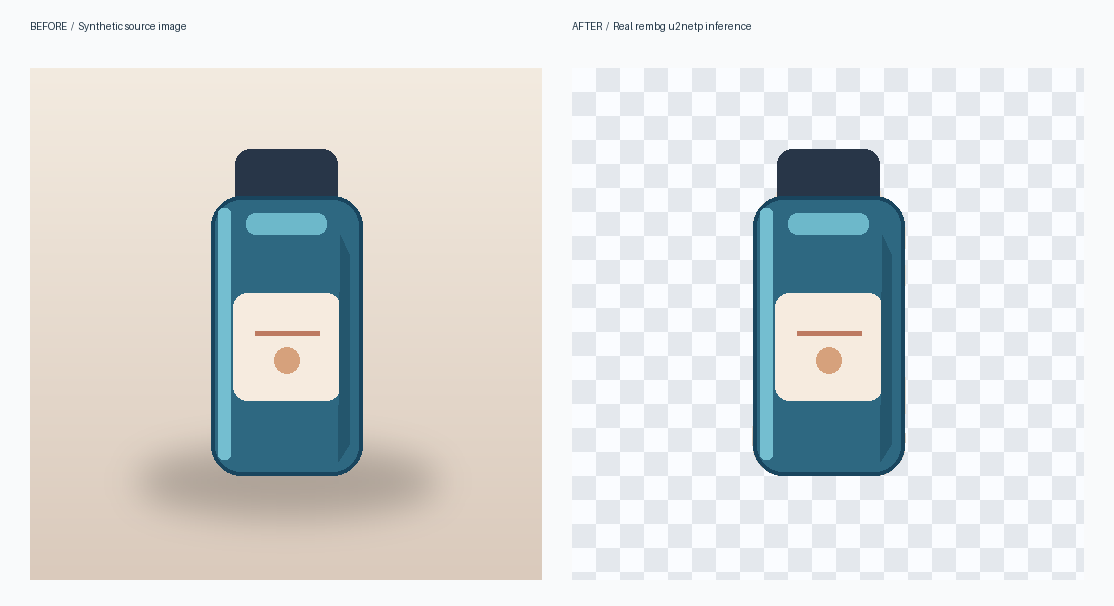
One synthetic product illustration demonstrates the real inference path. It is not a benchmark of segmentation accuracy across different photographs or models.
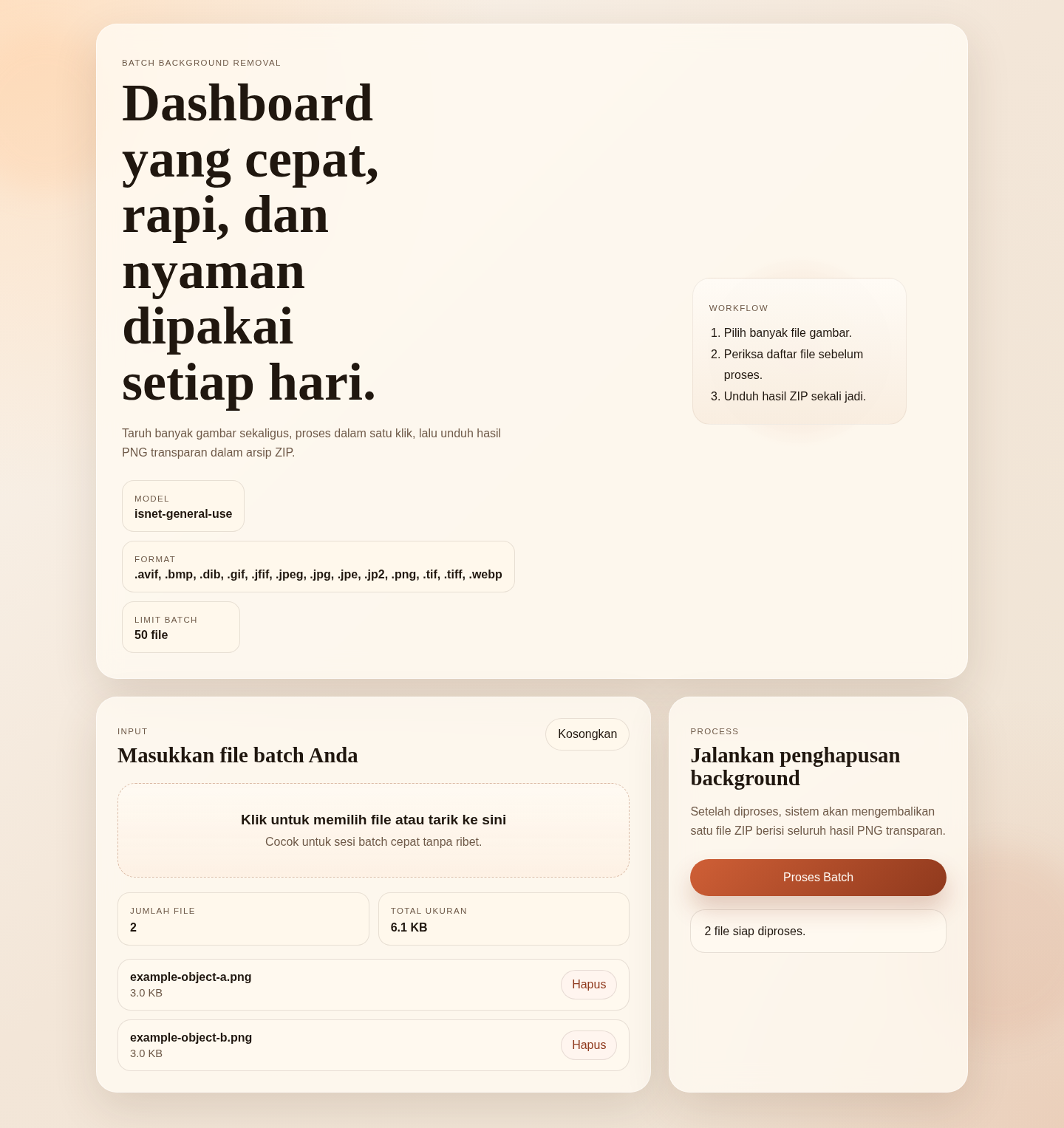
The actual FastAPI application running locally in Chromium, with two synthetic sample files selected using the original upload interface.

The 12 API tests use a deterministic model test double for repeatability; the separate real-model execution above verifies actual ONNX inference on a synthetic sample.
Batch editing images one at a time is slow. I built a reusable Python workflow to handle multiple inputs, prepare them consistently, and package transparent PNG outputs for download.
The FastAPI endpoint accepts image batches and delegates the processing to a reusable service. The code handles file decoding, EXIF orientation, resizing, output naming and ZIP creation; the same service also powers a command-line workflow.
Workflow overview based on the linked implementation.
Open the actual Python implementation below. Each link points to the exact code revision used for this walkthrough.
app/main.pyDefines health and batch-processing endpoints, handles up to 50 files per request, dispatches processing through a threadpool and streams a downloadable ZIP.
app/services/background_removal.pyImplements image-content decoding, EXIF orientation correction, resizing, context padding, rembg inference, safe output naming, and ZIP packaging.
tools/process_folder.pyAccepts input/output directories and optional inference settings for batch processing outside the browser.
app/static/index.htmlImplements the browser dashboard for selecting image batches, starting processing and downloading the resulting archive.
DockerfilePackages the Python dependencies and FastAPI startup command in a Docker container definition.
Local application prototype with inspectable source. The code demonstrates the batch-processing workflow; multi-user hosting, upload-resource safeguards and performance benchmarking are future production-hardening tasks.